Observed Symptom:
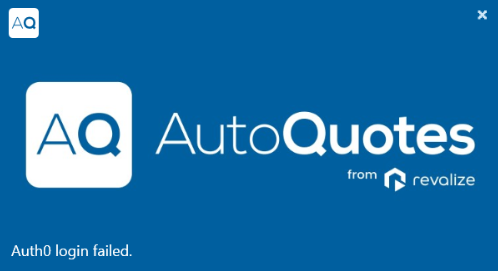
When attempting to log in to AutoQuotes and presented with this error message, disconnect from OpenVPN and relaunch the AQ app. This is a known issue with our VPN and the AQ software.
Resolution:
- Close the AutoQuotes app by selecting the white X above.
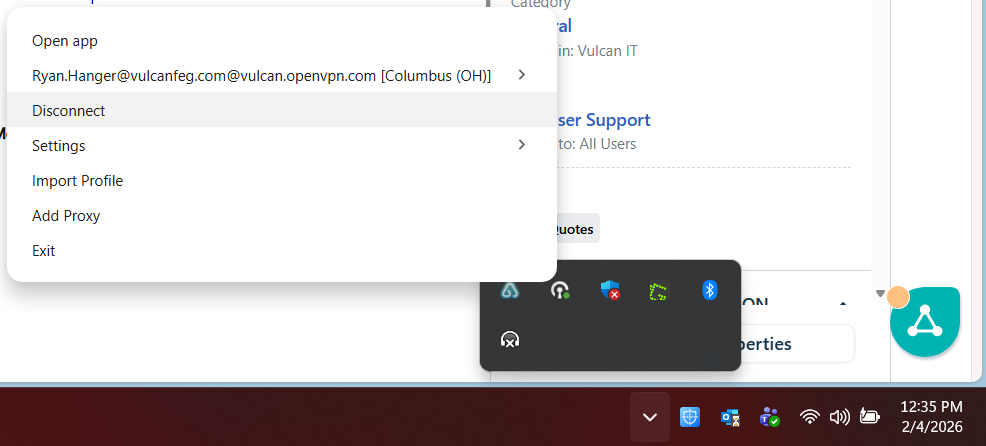
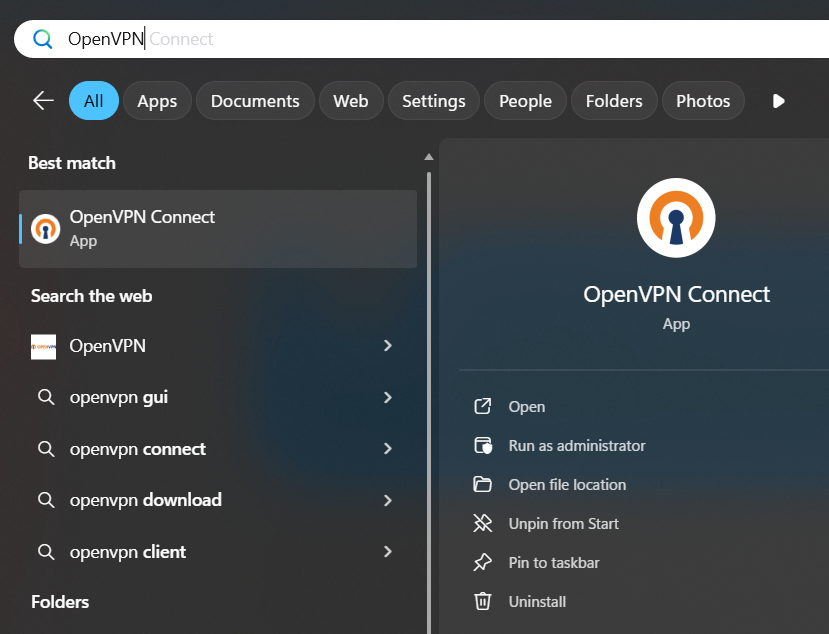
- Launch the OpenVPN by selecting the icon on your taskbar near your clock, or by launching OpenVPN from your Start menu and typing OpenVPN and selecting to Open. (shown below)
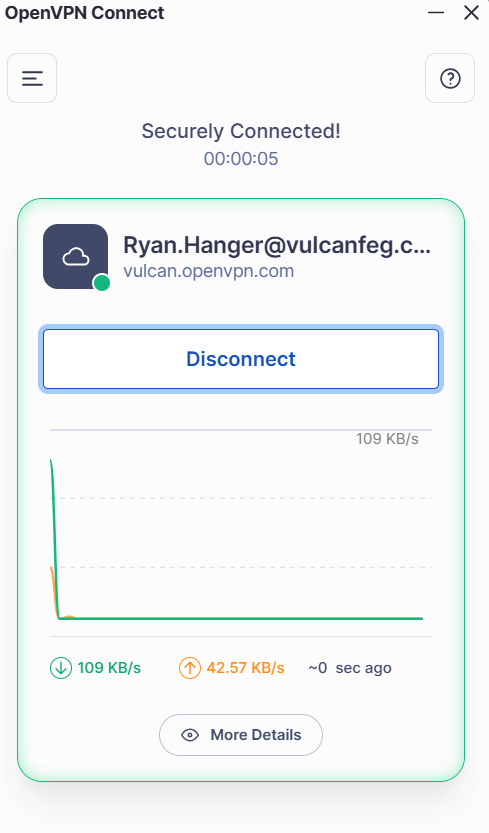
- Once OpenVPN is on your display, select Disconnect.
- Re-launch your AutoQuotes app.
- Sign into your AutoQuotes account with your email address and password.
Was this article helpful?
That’s Great!
Thank you for your feedback
Sorry! We couldn't be helpful
Thank you for your feedback
Feedback sent
We appreciate your effort and will try to fix the article